
Follow these simple steps to create an EmPower account for the first time or follow the video tutorial at the bottom.
- Once you have downloaded the app you will have to register an account, click the Register button on the app. Fill in the required information [email, First Name, Last Name, password] and click register.

- You should receive a
Registration Sucessfulmessage confirming your registration, if you receive an error please try registering again or contact our support team for assistance.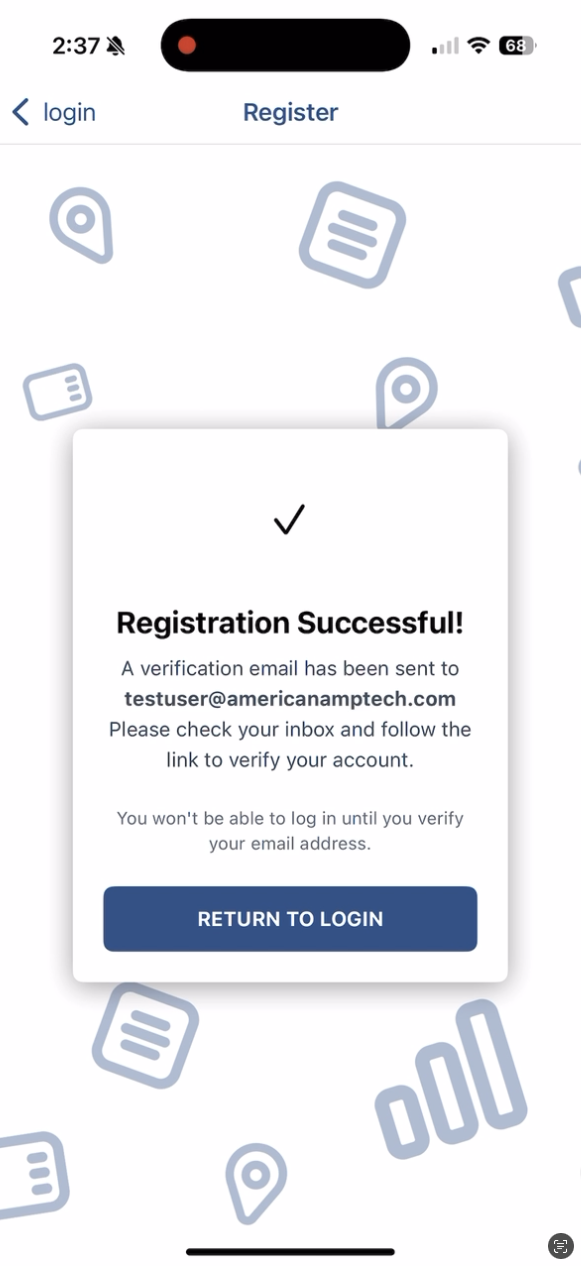
- You will receive a confirmation email to the registered email, you must click the
Activate My Accountbutton within 24 hours or you will have to re-register your email.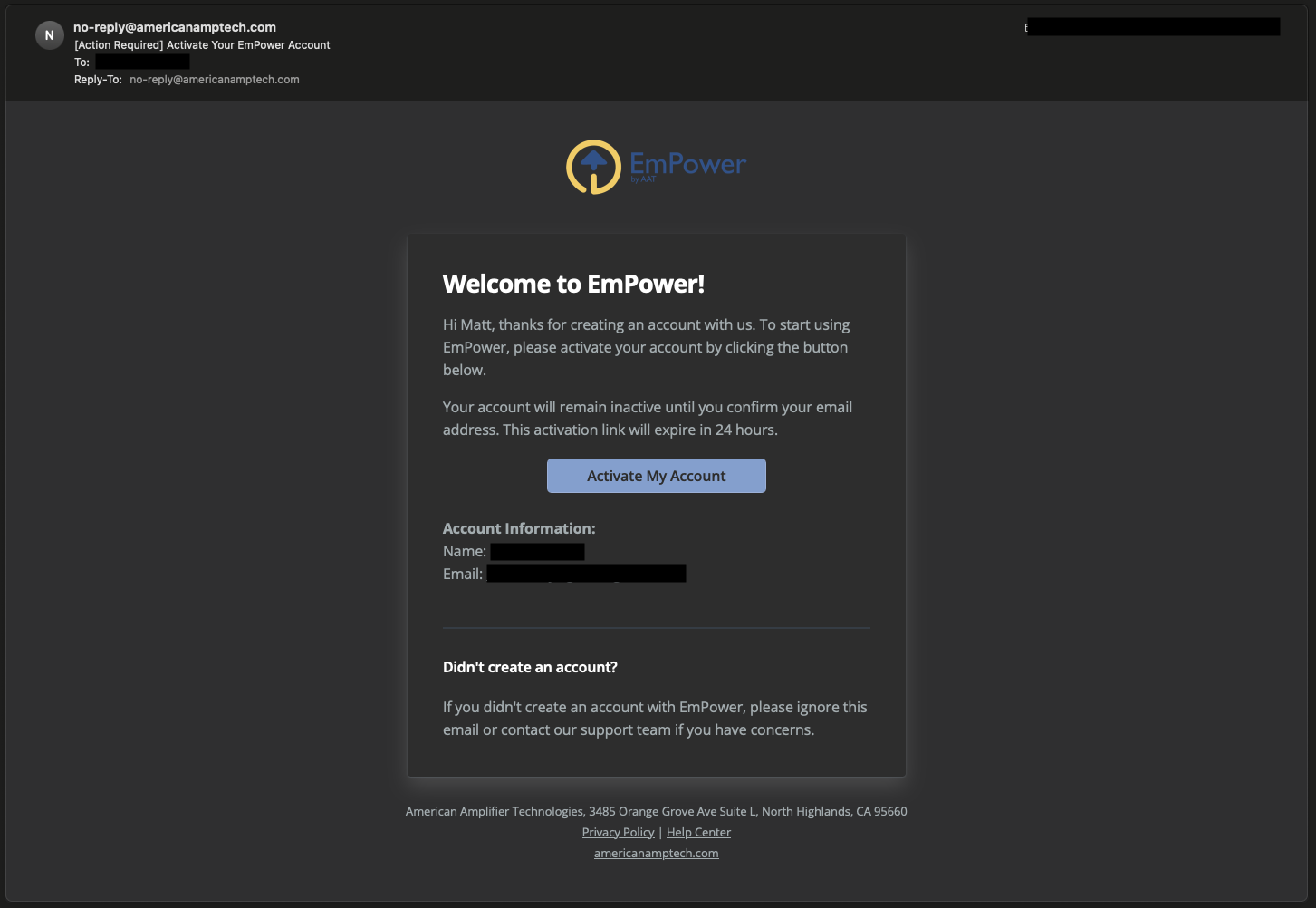
- Once you have confirmed your email, your account will be activated and you can login to the EmPower app.
Video Tutorial


