
After you have downloaded the EmPower app and registered for an account, launch the EmPower app.
Enter the username (email) and password that you set during registration.
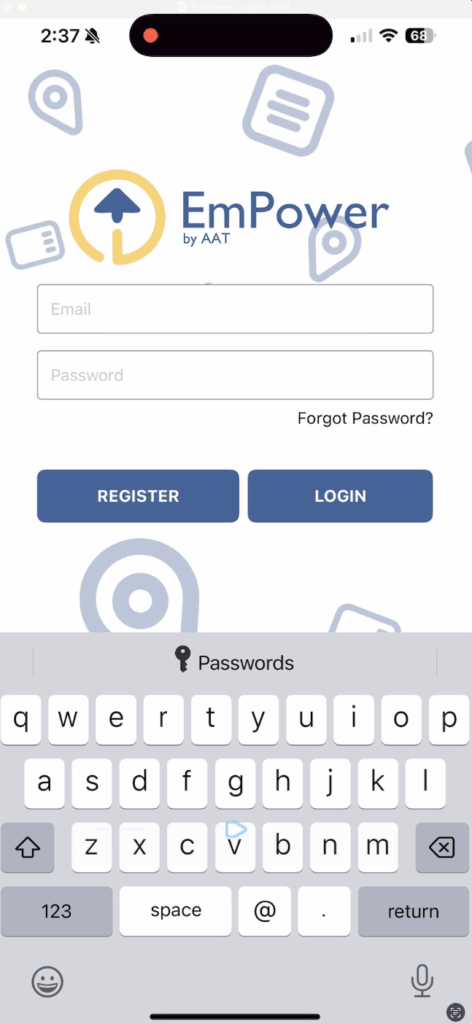
After clicking the login button you should be loaded into the app where you can now add and manage your devices.
If this is the first time you have logged in on this device you should be prompted to allow push notifications, it is recommended to allow notifications to arrive immediately as the notifications from EmPower will be critical monitored device notifications.
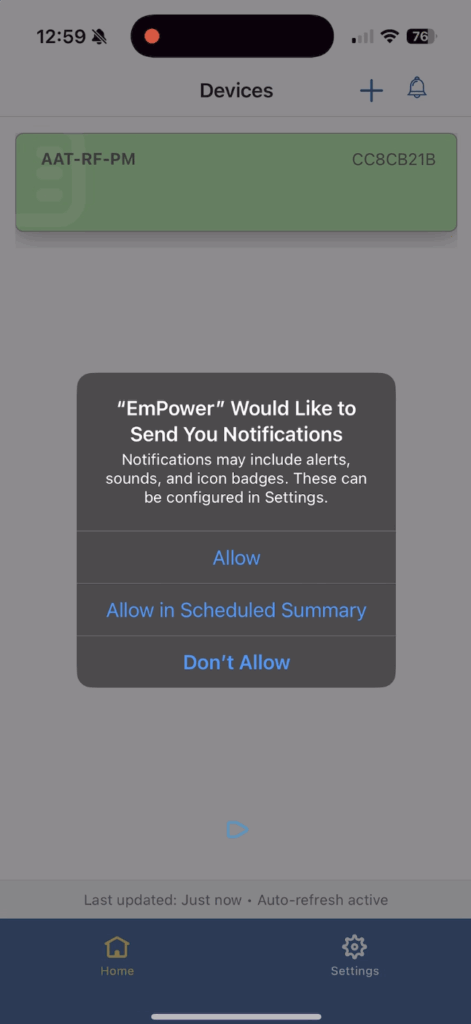
If you have used EmPower before, you should see your list of registered devices, if this is your first time you can now add EmPower enabled devices to your app.
Video Guide


