
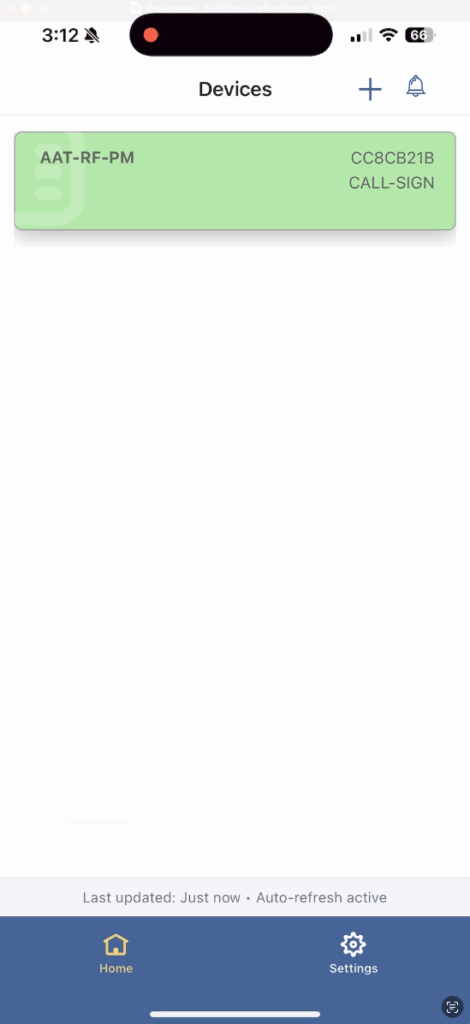
To adjust settings on an existing device in EmPower, first login to the app and from the main screen you will see your list of available devices.
Tap on the device you would like to adjust settings for.
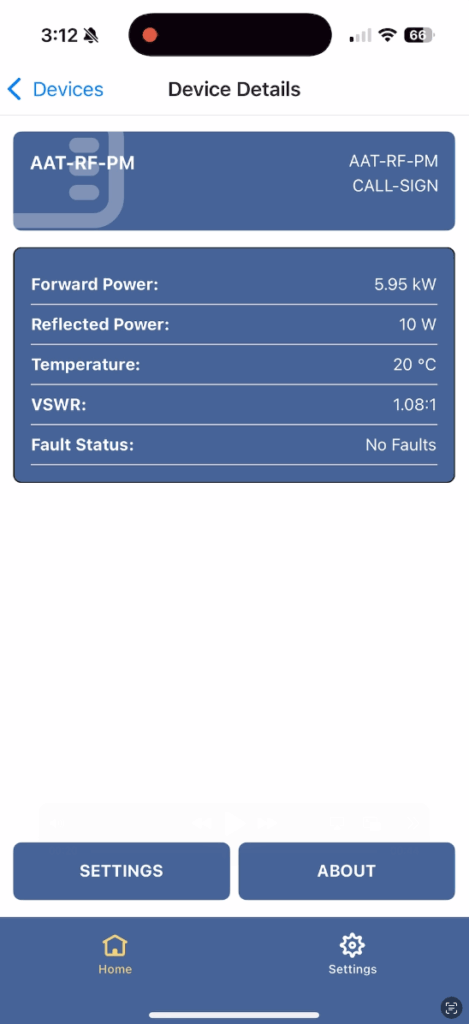
Once device information has loaded, tap on settings at the bottom.
A list of available parameters for the device will appear.
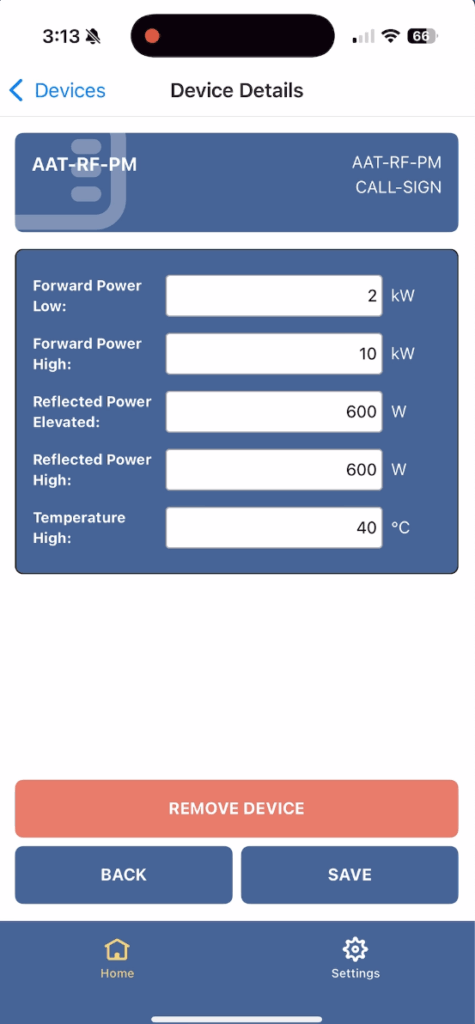
Adjust the parameters you would like to change and tap on save. The changes go into effect immediately. You can now go back to the device page or home.
Video Guide


